Monster Hunter Outlanders Mobile controls
How Monster Hunter Outlanders maps a console hunt onto thumbs — and how to stop missing Foresight because the button is tiny.
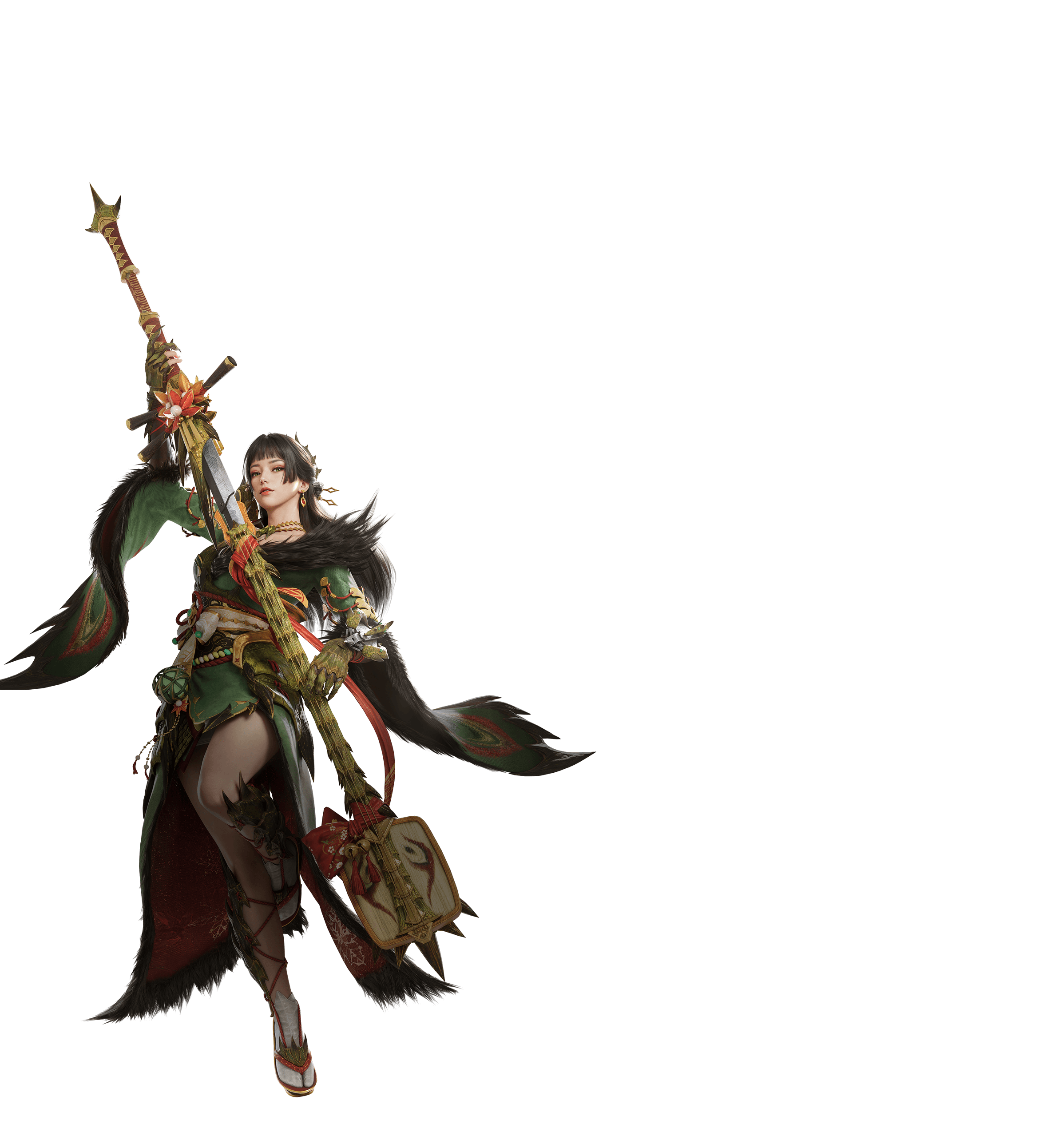
Monster Hunter Outlanders lives or dies on the overlay. The weapons are real. The analog stick is a thumb. This page is the control scheme in writing. The breakdown video below is a TGS-era look at the same cluster.
Classic Mode — the real game
Classic Mode tries to keep the move set. The on-screen logic testers recorded:
- A large basic attack for the weapon’s bread-and-butter chain.
- Smaller skill buttons beside it for signature moves (Spirit Slash, Tackle, Foresight-class counters, Demon Mode spends).
- Cooldown bursts farther out for ultimates and big finishers.
- Evade / guard as their own control, not as a swipe gesture you will misread.
- Lock-on, including a way to choose the part.
Long Sword players need to find the counter on a skill slot the first time they queue. Great Sword players need to find charge hold and the tackle. Dual Blades players need Demon Mode without covering the monster with a thumb. If any of those is missing from your overlay, you customized nothing and the default failed you.
Open settings before the second hunt. Raise button size. Drop opacity if you cannot see a tail. Move evade off your palm rest. IGN’s preview specifically called out customization for people with large hands on small phones. Believe them.
Adventure Mode — the three-button kit
Adventure Mode is attack, evade, and burst. The game picks the “right” attack. Evade becomes a binary defend. Burst spends the big window (Helm Breaker class). It is not auto-battle. It is a fighting-game modern control.
Use it when:
- You are on a train.
- You have never hunted.
- You are teaching a friend in co-op.
Stop using it as your main when you want to play Long Sword for real. The comparison is on Adventure vs Classic.
Lock-on is not optional
Without a right stick, targeting is a button. Footage shows part selection. Testers said attacks redirect toward the locked part even during animations, which is closer to World’s Focus idea than to a free camera. The remaining skill is position: you still have to not stand in the fire.
On Radiant hunts, lock the part that changed — glands, jaw, rock, horns — not the center mass.
Practical overlay recipes
- Great Sword: charge control huge, evade close, tackle on a skill you can hit without dropping the charge.
- Long Sword: counter on the most reachable skill. If Foresight is a corner tap, you will never Foresight.
- Lance: guard large. Thrust can be the big button.
- Bow: lock-on near the right thumb. Coatings must not sit under the fire button.
- HBG: special ammo and the air skill cannot share a fat-finger zone.
If the overlay still feels like a browser game, you are not ready for Ruger Aidal. You are ready for another settings pass.
Related
How to play is the loop. Getting started is the first hour. Weapons tell you which skill you are hunting for. Customize first. Then rank yourself on the tier list.
Frequently Asked Questions
Straight answers for hunters landing on Aesoland.
Does Monster Hunter Outlanders support controllers?
Players have asked in every official comment section. Treat controller support as requested and watch patch notes. CBT hunts were designed around a touch overlay.
What is lock-on?
A dedicated control that locks attacks onto a chosen monster part, including during animations. Testers compared it to a focused part target rather than Now’s tap-the-body.
Can I move buttons?
CBT reporting described full overlay customization: size, position, transparency. Use it. Default layouts punish large hands on small phones.
Where is Helm Breaker?
On a skill button in Classic Mode, not on a hidden analog combo. Adventure Mode will spend it through the burst button when the game thinks the window is right.
Why do I keep rolling instead of attacking?
The evade cluster sits next to attack. Shrink evade or move it. Do not blame the weapon.